Guides
How to Send Credit Directly from the Landlord Gateway

May 5, 2026

Dominic Clegg

How to Send Meter Credit Directly from the Landlord Gateway
As a Topupmeters landlord or property manager, you have the ability to instantly add credit to any meter directly from your Landlord Gateway without the need for a payment transaction.
While this feature is highly convenient for edge cases, the primary way we advise adding credit to meters in occupied properties is always through actual paid top-ups.
Watch the quick steps:
Find the meter on your Gateway > Click Manage > Send Credit > Enter the amount > Send.
What happens next?
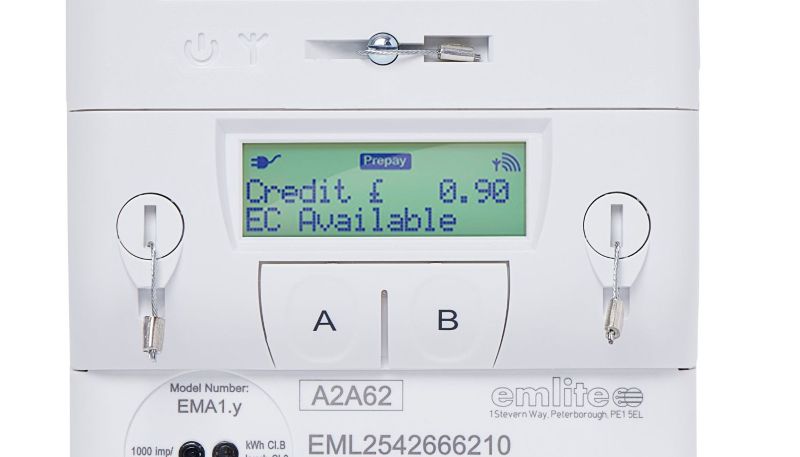
Exactly what happens after a normal top-up! The meter instantly displays “Payment Received” alongside the top-up amount, and the credit is automatically added to the active balance.
How is this paid for?
The difference with this method is that there is no payment, no deduction from your account, and no movement of funds. You are essentially adding value to the meter that the tenant would have otherwise purchased.
Think of it like a restaurant owner providing a meal “on the house.” While no cash changes hands at the table, the owner still pays for the ingredients and overhead; they have simply chosen to absorb the cost themselves rather than charging the guest. Similarly, when you send credit, you are providing a unit of energy that you will eventually pay for via your utility bill, but you are not being reimbursed for it by the tenant.
Why would a landlord need to do this?
You can use this feature for absolutely any reason, but common scenarios include:
- Adding a goodwill credit for a newly arrived tenant.
- You have accepted a direct cash payment from a resident.
- Decorators or contractors are on-site and need power.
- Issuing a specific energy allowance.
- Transferring credit from a previous meter.
Confirmation & Tracking
After issuing the credit, you can receive two optional email notifications (if an email address is provided):
- The first confirms the top-up amount and your unique transaction reference code.
- The second confirms exactly when the credit reached the meter and shows the updated balance.
OTHER BLOGS
Latest Articles